i2pd
I2P (Invisible Internet Protocol) is a universal anonymous network layer.
All communications over I2P are anonymous and end-to-end encrypted, participants don't reveal their real IP addresses.
I2P client is a software used for building and using anonymous I2P networks.
Such networks are commonly used for anonymous peer-to-peer applications (filesharing, cryptocurrencies) and anonymous client-server applications (websites, instant messengers, chat-servers).
I2P allows people from all around the world to communicate and share information without restrictions.
For more information about I2P, you can read article on Wikipedia.
All communications over I2P are anonymous and end-to-end encrypted, participants don't reveal their real IP addresses.
I2P client is a software used for building and using anonymous I2P networks.
Such networks are commonly used for anonymous peer-to-peer applications (filesharing, cryptocurrencies) and anonymous client-server applications (websites, instant messengers, chat-servers).
I2P allows people from all around the world to communicate and share information without restrictions.
For more information about I2P, you can read article on Wikipedia.
What's new in 3.0.0
- Redesigned Interface & Architecture: Rewritten from scratch with a new UI, running the router in an isolated background process managed by an Android foreground service.
- Built-in Torrent Client: Download and manage torrents directly in the app using magnet links or torrent files, complete with peer stats and web UI integration.
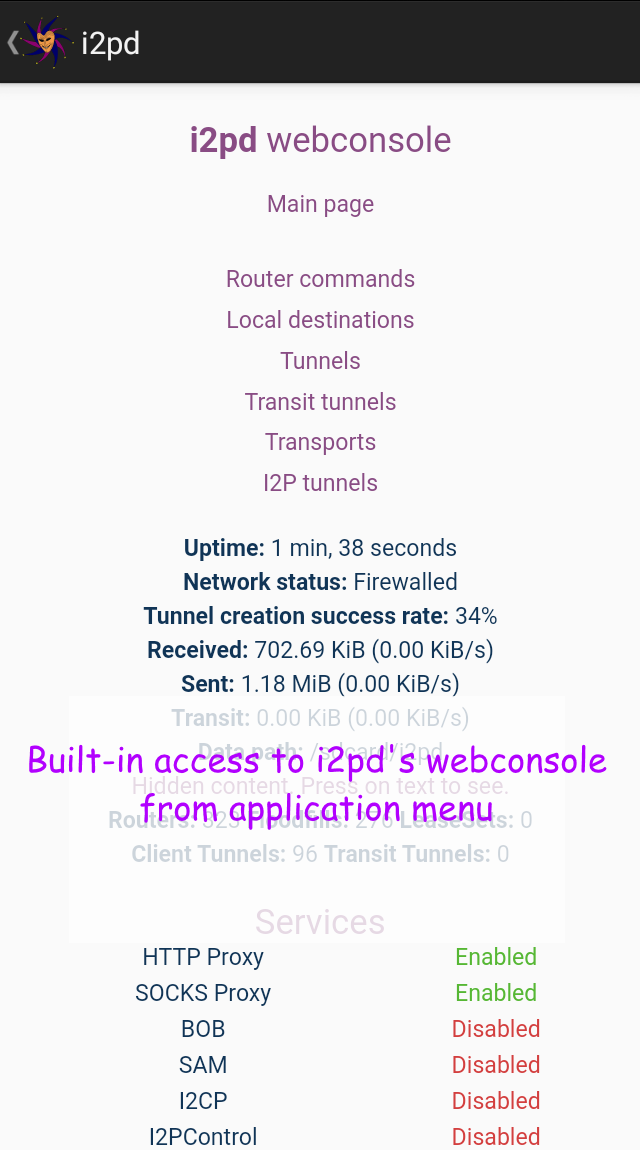
- Real-time Status Dashboard: Live monitoring of router state, traffic, speed, and tunnel graphs, along with shortcuts to active services like the web console and proxies.
- Advanced Tunnel Management: In-app editor for all tunnel types, allowing users to enable/disable tunnels and apply changes without restarting the router.
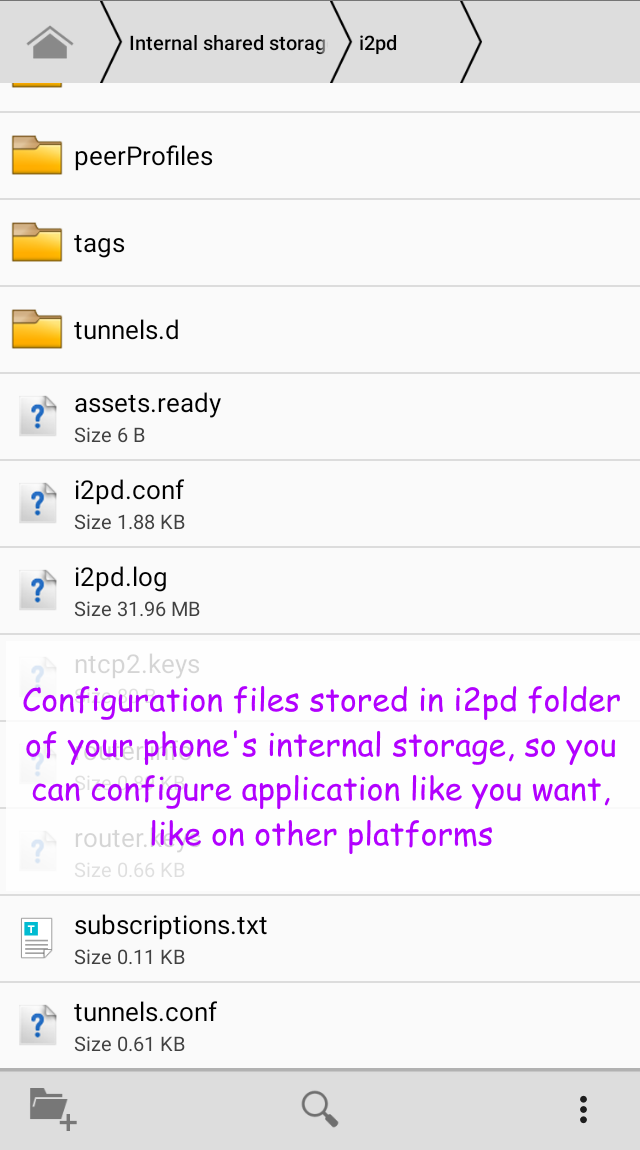
- Configuration Editor: Visual settings organized by category, alongside a built-in text editor for
i2pd.confwith input validation. - Data Backup & File Browser: Built-in file manager, tools to back up and restore data selectively via ZIP, and direct migration from older app versions.
- Android System Integrations: Includes a Quick Settings tile, start-on-boot support, crash auto-recovery, and configurable keep-awake modes.
- Privacy & Usability Tools: Added light and dark themes, optional screenshot blocking, and a searchable in-app log viewer with level filtering.